Key management for hotels and property

Thousands of keys. One point of control.

Electronic key management for malls, commercial buildings and hotels. Know who holds every key, across every property, in real time.

Security officer taking a key from a wall-mounted KeyControl cabinet in a hotel security control room
Creone, Sweden, since 1979
We are the authorised Creone distributor for APAC
Creone customers include Hilton, Marriott, Scandic and Park Inn by Radisson
WHY KEYS STILL MATTER

Cards on the front door. Keys everywhere else.

Lobby, lifts and guest rooms run on cards and face recognition. Plant rooms, risers, the cash office, roof access, car park barriers, cleaners' stores and tenant units still run on keys, because card access typically costs USD 3,000 to 5,000 per door plus annual service and licences. Override keys remain even in fully carded buildings.

The fewer keys you have, the more each one matters. KeyControl gives every one of them digital accountability.
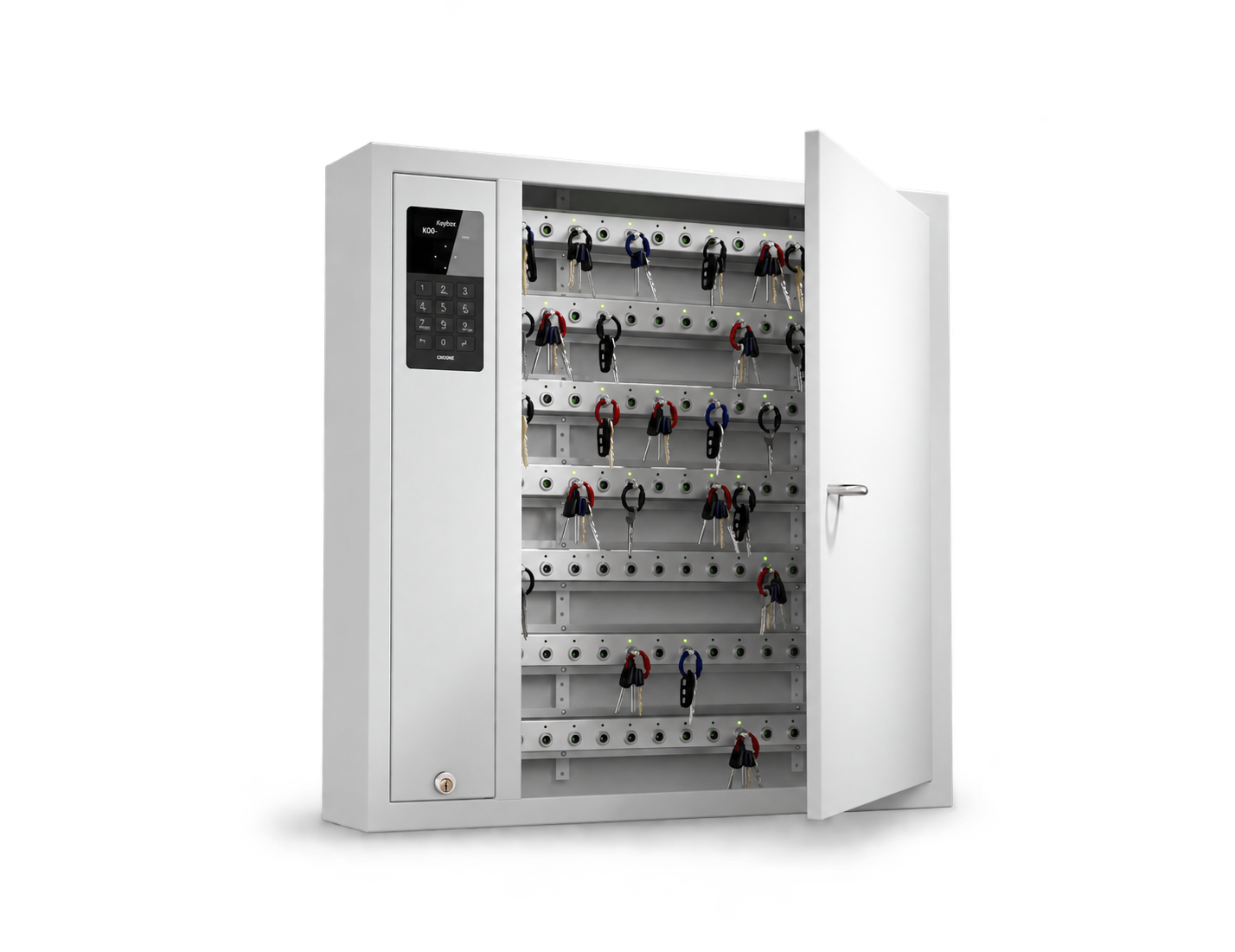
KeyControl key cabinet with door open, holding physical keys
The problem

Hundreds of users. Thousands of keys.

Security and facilities

Plant rooms, risers, roof access and car parks, opened day and night by different teams.

Contractors and vendors

Maintenance, fit-outs, cleaning and M&E servicing, each needing the right keys for a limited time.

Tenants and hotel staff

Unit handovers, storage and loading bays, plus housekeeping, engineering and F&B across every shift.

Logbooks, envelopes and reception handovers do not scale to thousands of keys. What is at stake: one lost master key can mean rekeying a floor or a whole building, after an incident you must prove who had access and when, and security and reception staff stay tied up issuing and chasing keys.

What changes

Manual key control vs KeyControl.

Requirement
Manual
KeyControl
Handing out keys
Reception or security hands out keys
Self-service by PIN or existing access card
Contractors
Contractor signs a logbook, maybe
Every removal and return recorded automatically
Missing keys
Noticed at shift end
Alert when overdue or taken without authorisation
Multiple buildings
Each building manages its own keys
Every site visible from one login
Audits
Digging through paper records
Full event log exported to PDF or CSV in minutes
Handing out keys
Reception or security hands out keys
Self-service by PIN or existing access card
Contractors
Contractor signs a logbook, maybe
Every removal and return recorded automatically
Missing keys
Noticed at shift end
Alert when overdue or taken without authorisation
Multiple buildings
Each building manages its own keys
Every site visible from one login
Audits
Digging through paper records
Full event log exported to PDF or CSV in minutes
How it works

Simple at the cabinet. Powerful behind it.

01

Identify

Log in at the cabinet with a PIN, staff card or QR code.

02

Authorise

Only the keys you are permitted to take unlock. Everything else stays locked.

03

Track

Every removal and return is recorded automatically, against the person and the time.

04

Manage

KeyWin6 gives administrators live key status, alerts and reports from any browser.

IntelliPin technology

Every key has an identity.

Hand taking a key from an IntelliPin key cabinet

Each key, its own position

Every key is attached to an IntelliPin the cabinet recognises, so the system always knows which key is where.

Locked until authorised

Lockable positions physically hold a key in place until an authorised user releases it.

Controlled, not just recorded

Combine lockable and non-lockable positions in one cabinet and choose the level of control for every key.

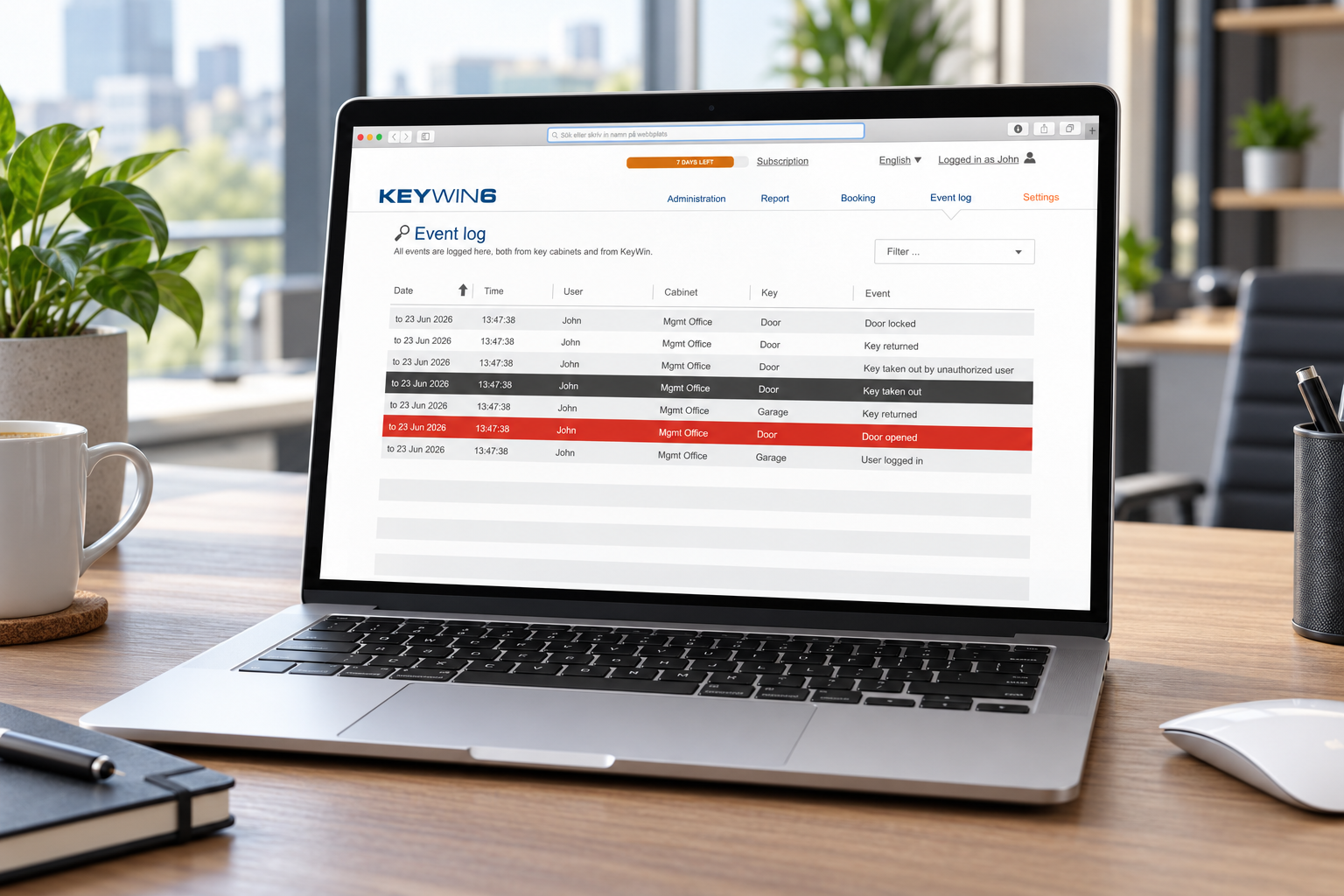
Laptop showing the KeyWin6 event log
KeyWin6 software

One platform. Every key.

KeyWin6 is the cloud software behind every cabinet: every building visible from one login, time-limited access for contractors, alerts when a key is overdue, and audit reports exported in minutes.

In practice

What changes from day one.

01

Contractor access

Before: a contractor signs a logbook and walks off with a bunch of keys. After: they get only the keys for their job, within set hours, with an email alert if a key is overdue.

02

Shift handover

Before: keys are passed across the reception desk at every shift change. After: staff collect keys with the card they already carry, and every return is logged automatically.

03

High-security keys

Before: master, cash office and safe keys sit in a drawer behind the desk. After: they are held on lockable positions and released only to authorised staff.

The KeyControl range

Choose the right cabinet for your keys.

9400 SC · 9500 SC · 9550 SC

Wall-mounted, 42 to 210 keys

Compact cabinets for a reception, back office or vehicle depot. Add an expansion cabinet when you need more key positions.

Wall-mounted KeyControl key cabinet with keypad, door open
9500 E

Expansion cabinets, 216 keys each

Add key positions as you grow. Each expansion cabinet holds 216 keys, is controlled and programmed by your main cabinet, and up to 15 can be connected.

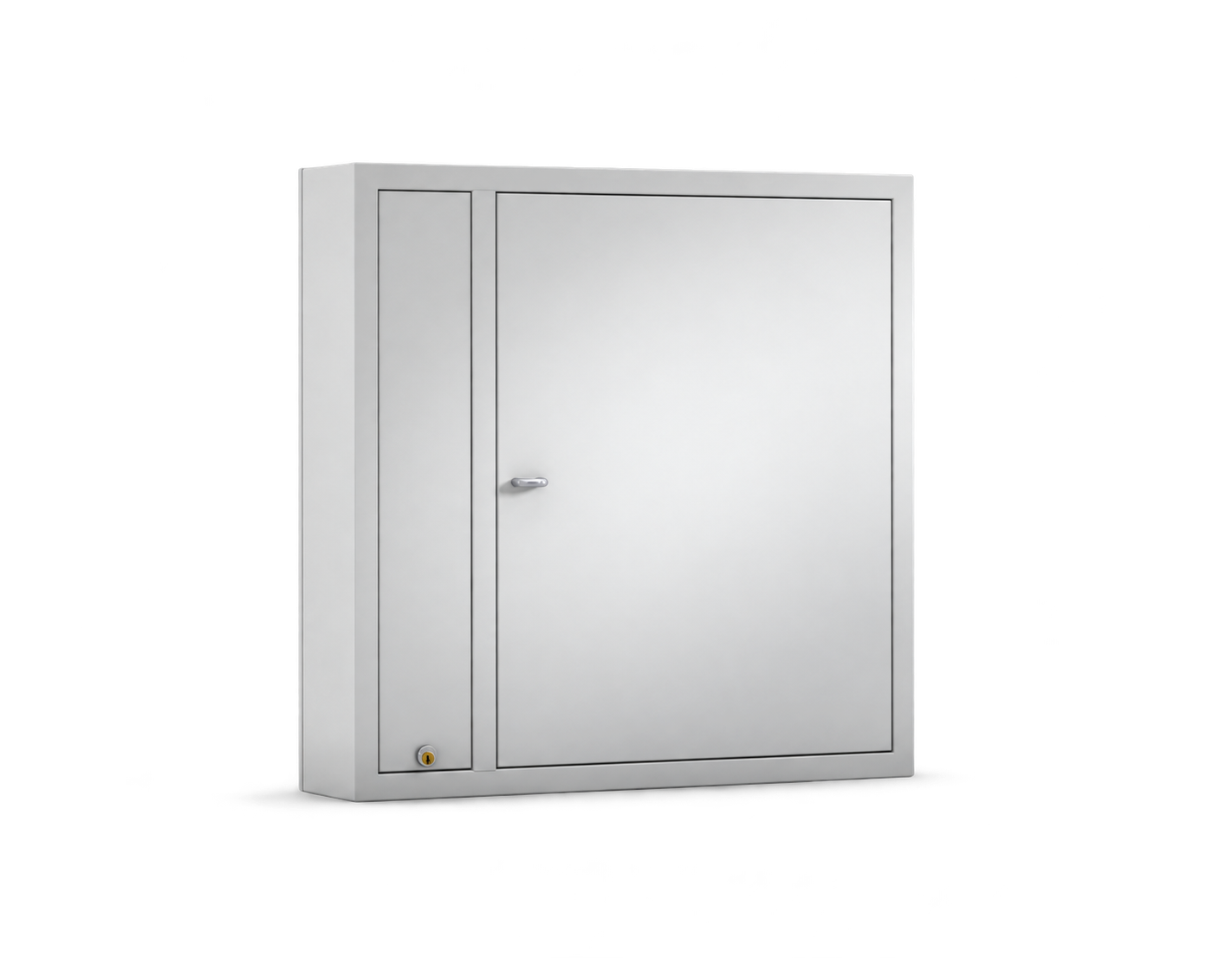
KeyBox 9500 E wall-mounted expansion cabinet with door closed
KEYRACK

Wall racks, up to 924 keys

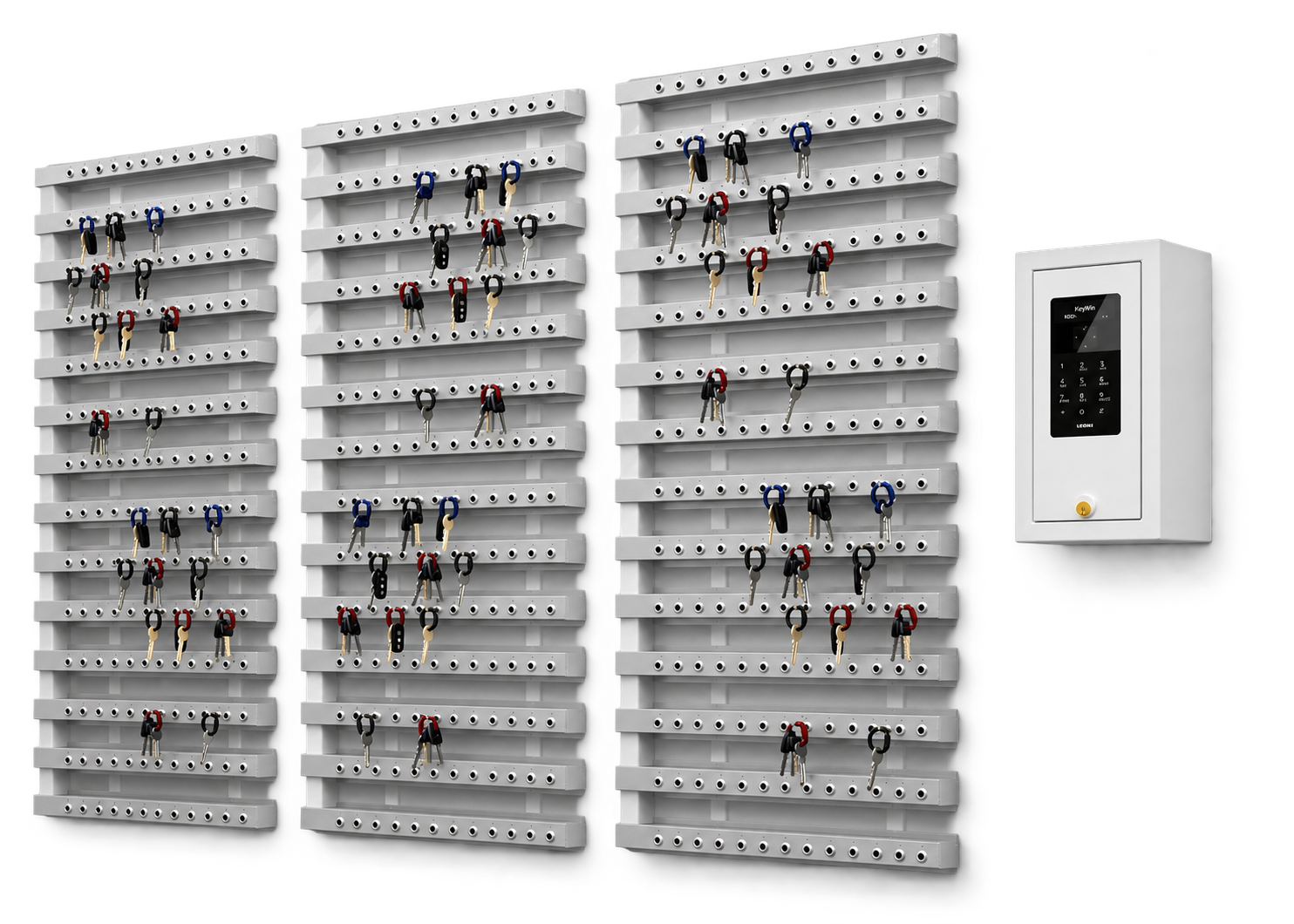
Key strips mounted straight on the wall and run from one control unit. Add more strips as your key count grows, up to 924 positions per control box.

Wall-mounted key racks connected to a control unit

Every cabinet and rack can be configured with locked or unlocked key positions and PIN or card login.

Not sure which fits? Find the right configuration →

Scalable by design

Start with one cabinet. Grow to every site.

KeyControl is modular. You never replace what you have, you add to it, and everything stays in one KeyWin6 system.

01

Add strips

Add key strips to an existing cabinet as your number of keys grows, mixing locked and unlocked positions.

02

Add cabinets

Connect expansion cabinets or extra key racks to the system you already have.

03

Add racks

Mount KeyRack intelligent strips on a wall or inside a secure cabinet, with up to 924 key positions per control box.

04

Add sites

Install cabinets and racks at every location and manage them all from one KeyWin6 login, in the cloud or hosted on your own servers.

From 25 keys to 2,500, on one site or many, without replacing hardware or adding new software.

Open integration

Connects to the systems you already run.

KeyWin6 connects to existing access control such as Gallagher, so staff use one card for doors and keys, and the KeyWin6 API opens the way to hotel and property system integration.

ACCESS CONTROL

One card, one set of access rights

Staff use the card they already carry, and key access follows the rights in your access control system. Existing integrations include ASSA ABLOY ARX and Gallagher Command Centre.

BOOKING AND BUSINESS SYSTEMS

Keys follow the booking

Link key access to booking tools such as EZbooking, or to your own property, fleet or work-order systems, so the right key is ready for the right person at the right time.

KEYWIN6 API

Build your own integration

Your developers or IT partner can connect KeyWin6 to in-house platforms through the API. We arrange API access with Creone and support the integration.

We confirm which integrations fit your setup during system design.

Customer stories

Trusted by hotels and property owners.

Hilton, Stockholm

Moved key handovers away from the reception to KeyBox key cabinets, for simple and efficient key management.

Read more at creone.com

Marriott Renaissance Brussels

Replaced manual key management, which had become a bottleneck for overview and audits, across multiple departments.

Read more at creone.com

AX The Palace Hotel, Malta

Hundreds of keys moved off envelopes and logbooks, with key access around the clock and usage reports.

Read more at creone.com
Why KeyBoxAsia

Global technology. Local expertise.

KeyBoxAsia, a brand of EDC-Technologies, is the authorised Creone distributor for Asia Pacific. We take you from first conversation to a working system.

01

Consultation

We review your keys, users, sites and current process.

02

Configuration

We specify the cabinets, positions and access rules that fit.

03

Implementation

We install the cabinets, set up KeyWin6 and connect your sites.

04

Training & support

We train administrators and users, and stay on hand after go-live.

Tell us about your property.

Tell us how many buildings you manage, roughly how many keys, and which access control system you use. In a 30-minute call we will recommend the right KeyControl configuration, with no obligation.

Book a consultation

Other industries

See how KeyControl solves key management in other industries.

Remote Unmanned Sites

Know which technician or contractor holds the key to every tower, substation and remote site.

Explore this industry →

Data Centres

Rack, cage and plant-room keys released only to the right person, for the right job, with every event logged.

Explore this industry →

Fleet Management

Keys released only to qualified drivers and operators, with an optional breath test before a key leaves the cabinet.

Explore this industry →

Car Dealerships

Every car key tracked from test drive to service bay to delivery, across every branch.

Explore this industry →

Airbnb & Homestay

Self-service key and card handover for guests, cleaners and contractors, without anyone waiting in the lobby.

Explore this industry →

Hotels & Commercial Property

Thousands of keys across back-of-house, plant rooms, tenants and contractors, under one point of control.

Explore this industry →